 ✓ Available
Interview Preparation
MERN Prep
Prepare for MongoDB, Express.js, React.js and Node.js interviews with questions, answers and visual notes.
Version
1.0.0
Size
18 MB
✓ Free Download
PrepApp provides free notes, cheat sheets, interview questions, revision resources and coding apps for students preparing for placements.
Students
Resources
Learning Apps
Forever
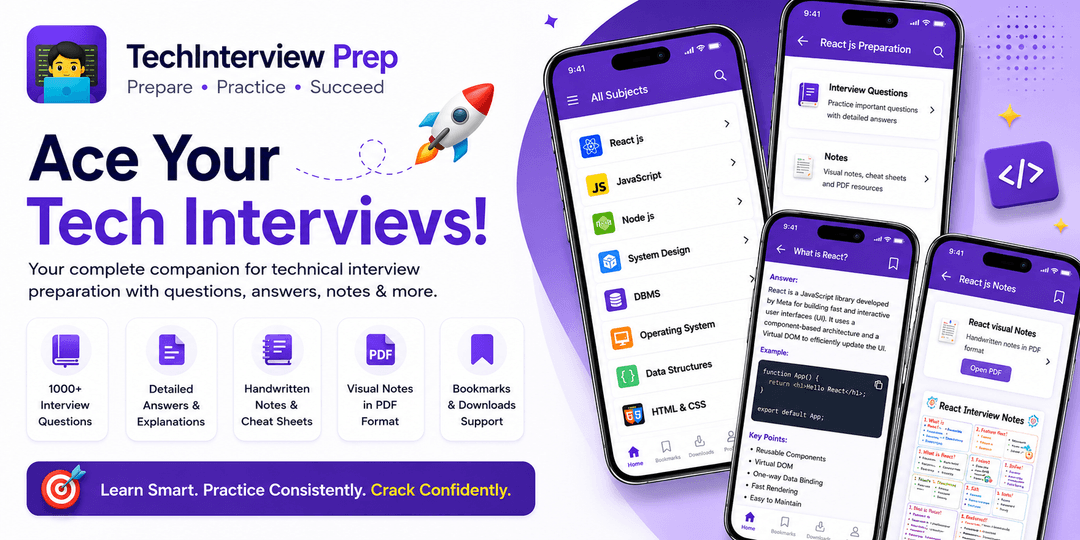
Discover free learning apps with visual notes, interview questions, cheat sheets, and structured resources built for Computer Science students.
Learning Apps
Resources
Students
✓ AvailablePrepare for MongoDB, Express.js, React.js and Node.js interviews with questions, answers and visual notes.
Version
1.0.0
Size
18 MB
 ✓ Available
Track placement deadlines, semester milestones, exams and project submissions with a clean Android countdown app built for students.
Version
1.0.0
Size
12 MB
 ✓ Available
A developer-focused Android coding keyboard with programming symbols and shortcuts for Java, Python, JavaScript and C++ on mobile.
Version
1.0.0
Size
8.4 MB
 🚀 Coming Soon
Learn React hooks, state management, performance optimization and interview questions.
Version
Size
 🚀 Coming Soon
Practice AI machine learning concepts and optimized interview solutions.
Version
Size
More technical learning apps are added regularly.
Follow these simple steps to safely download and install PrepApp on your Android device.
Open the MERN Prep app page and tap the Download APK button.
After the download is complete, open the APK file from your browser or Downloads folder.
If Android asks for permission, allow installation from this browser or file manager.
Tap Install, wait for the process to complete, then open MERN Prep and begin your preparation.
For security, download MERN Prep only from PrepAppHub. Avoid APK files shared through unknown websites, groups or unofficial download links.
Frequently Asked Questions